Keeping email, SMS, push and social in sync by hand eats your week. Omnichannel marketing automation fixes that: you set triggers, conditions and actions once, and messages follow what each customer does across channels.
If you are still choosing a tool, start with our guide to omnichannel marketing platforms, then come back here to plan the workflows.
| Item | Value |
|---|---|
| Success factors named for omnichannel automation | 3 pillars |
| Example onboarding series length | 14 days after registration |
| Example re-engagement drip length | 3 weeks |
| Example post-purchase nurture length | 30 days after purchase |
These figures come from Adobe’s multi-step journey guide and Mailchimp’s omnichannel automation guide. They are example patterns, not fixed rules, and they can change, so check the sources before you rely on them.
What omnichannel marketing automation actually does
Omnichannel marketing automation sends coordinated messages across several channels, triggered by the customer’s own behavior, as Mailchimp describes it. Nobody has to copy lists between tools or remember which email goes out after which text.
Mailchimp frames success around 3 pillars: connection, timing and personalization. Channels should talk to each other, messages should land when they can make an impact, and each interaction should feel relevant to the person receiving it.
The difference from multichannel work is shared logic. Bloomreach’s FAQ says multichannel marketing simply refers to using multiple channels to reach customers, whereas omnichannel ties them to one customer view.
In practice, an action such as a purchase, an email open or an app login can move a person along their path, as Adobe’s journey guide shows.
The building blocks of an automated workflow
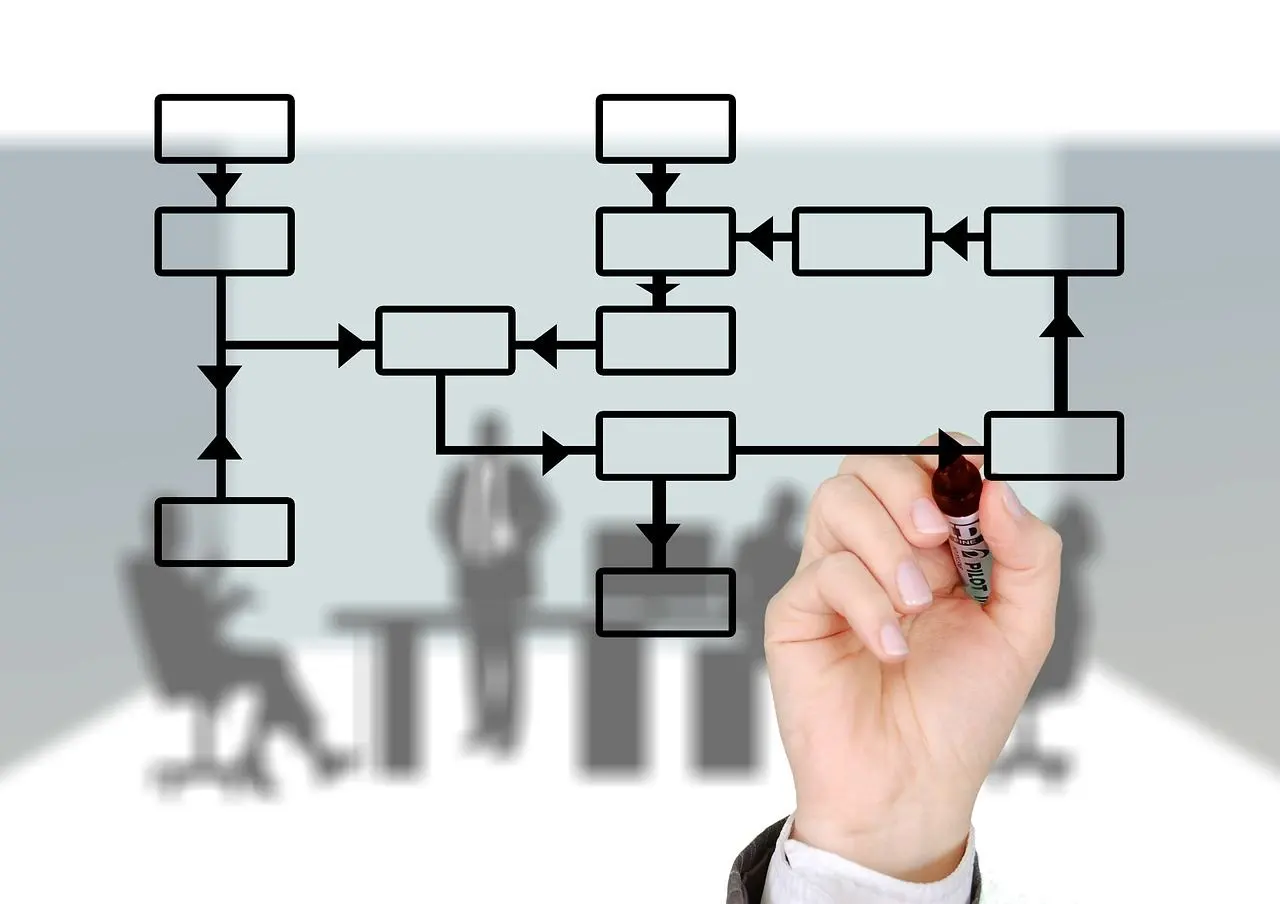
Almost every tool builds journeys from the same few parts. Adobe’s pattern guide lists them as a canvas of connected nodes:
- Entry: an audience-based or event-based start.
- Action nodes: the messages themselves.
- Condition nodes: branching logic that sends people down different paths.
- Wait nodes: time delays between touches.
- Exit criteria: conversion events or timeouts that end the journey.
Each profile moves through the journey independently and at its own pace. Someone who buys on day one never sees the reminder that a slower shopper receives on day three.

Delivery can be real-time or batch. Adobe’s guide says a journey can send a real-time delivery when an event is received, or run in batch using audiences, and its Journey Fragments let you build a set of nodes once and reuse them across journeys.
Workflows worth automating first
Start with journeys that follow a clear customer action. Mailchimp’s how-to guide names these common ones:
- Welcome sequences for new subscribers.
- Lead nurturing with helpful, personalized content.
- Abandoned cart rescues that remind customers about items left behind.
- Post-purchase follow-ups that ask how it went and suggest related products.
- Customer winbacks for inactive customers.
Timing is where these differ. Adobe’s examples run an onboarding series over the first 14 days after registration, a re-engagement drip over 3 weeks, and a post-purchase nurture over 30 days after purchase, as laid out in its multi-step journey guide.
The welcome journey is the gentlest place to begin. A subscription event triggers a welcome email, then nudges the person to log into the app and set preferences, per Adobe’s documentation.
How do you set up your first journey?
Mailchimp’s guide breaks the job into mapping journeys, choosing channels and optimizing workflows. Expanded into a checklist, it looks like this:
- Map the path. Pick one goal, then sketch the entry event, the branches and the exit.
- Choose channels. Use only the ones you can send on and measure.
- Connect your data. Decide where audience and profile data will come from.
- Build the flow. Add conditions and waits, then define when someone leaves.
- Test before you publish. Validate the configuration and send test profiles through every branch.
- Launch gradually. Raise volume in steps rather than all at once.
Audience and profile data usually sits in a customer data platform, and Adobe’s own pattern relies on its real-time CDP for audience evaluation and condition branching, according to its pattern guide.
The gradual launch matters for email. Adobe lists a use case that increases message volume step by step to warm up your sending reputation and avoid deliverability issues, in its journey guide.
Measuring results and fixing awkward moments
Adobe’s pattern guide offers KPIs for multi-step journeys. Three are easy to adopt in any tool:
- Journey completion rate: the percentage of profiles that complete the full journey without early exit.
- Step conversion rate: the percentage that progress from one step to the next.
- Drop-off rate: the percentage that stop engaging at each step.
Read these step by step, not as one blended number. A sharp drop at a single node points to one message, wait or condition to fix.
Mismatched messages are the classic failure. Mailchimp asks whether you have ever received an email coupon for a product you had literally just bought, and says automating the journey fixes that disconnect.
When several channels touch one sale, giving credit fairly is its own problem, which is covered under omnichannel attribution.
What to compare when choosing a tool
This site has no affiliation with any vendor named here, and the descriptions below come from each vendor’s own pages. Compare tools on stated criteria rather than on slogans.
- Journey design: Adobe Journey Optimizer describes an intuitive drag-and-drop canvas for orchestrating messages and actions across channels.
- Consent and compliance: Bloomreach says its consent management helps you stay compliant with GDPR and TCPA.
- Breadth of automation: HubSpot’s page pitches marketing automation software to automate tasks and turn contacts into loyal customers.
- Documentation freshness: Microsoft’s journey designer release notes are archived, so check the vendor’s latest documentation before relying on them.
Beyond features, ask which channels you can really send on, where profile data lives and how easily a non-developer can edit a live journey.
Frequently asked questions
Is omnichannel automation only for large companies?
Show answer
No. Mailchimp says even a small business owner who handles the whole digital strategy alone can automate the process. The work is front-loaded: you build the framework once and customer behavior drives the rest.
Which workflow should you build first?
Show answer
A welcome journey is a safe start because the trigger is obvious. Adobe’s example has a new subscription start the sequence, with later actions such as a purchase, an email open or an app login moving the person on, per its journey guide.
What if your tool cannot send on a channel you use?
Show answer
Some platforms let you plug in outside senders. Adobe, for instance, offers custom actions for cases where you use a third-party system to send messages or connect to external APIs, as its journey guide explains.
Can automation respect which channel a customer prefers?
Show answer
It can, if your data records engagement by channel. Bloomreach shows a use case that targets only customers who engage better via SMS than email to optimize SMS costs. It also describes retargeting people who have not opened an email or SMS through ads and social media.